The goal was to create a familiar and user-friendly app dedicated to stroke survivors that would motivate the user to train their walking and feet movement by using haptic feedback.
I’m passionate about empowering users of all abilities to implement technology into their daily life. My mission is to allow primary and secondary users to work together to improve the primary user’s health.
Guiding Foot Mobility & Safety
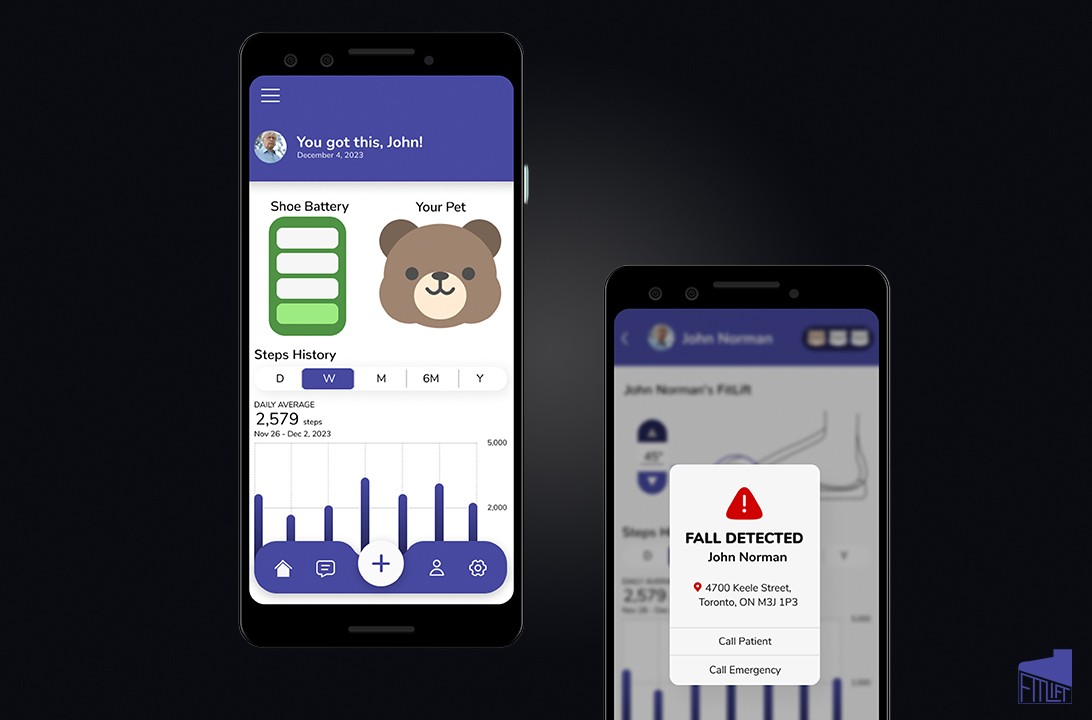
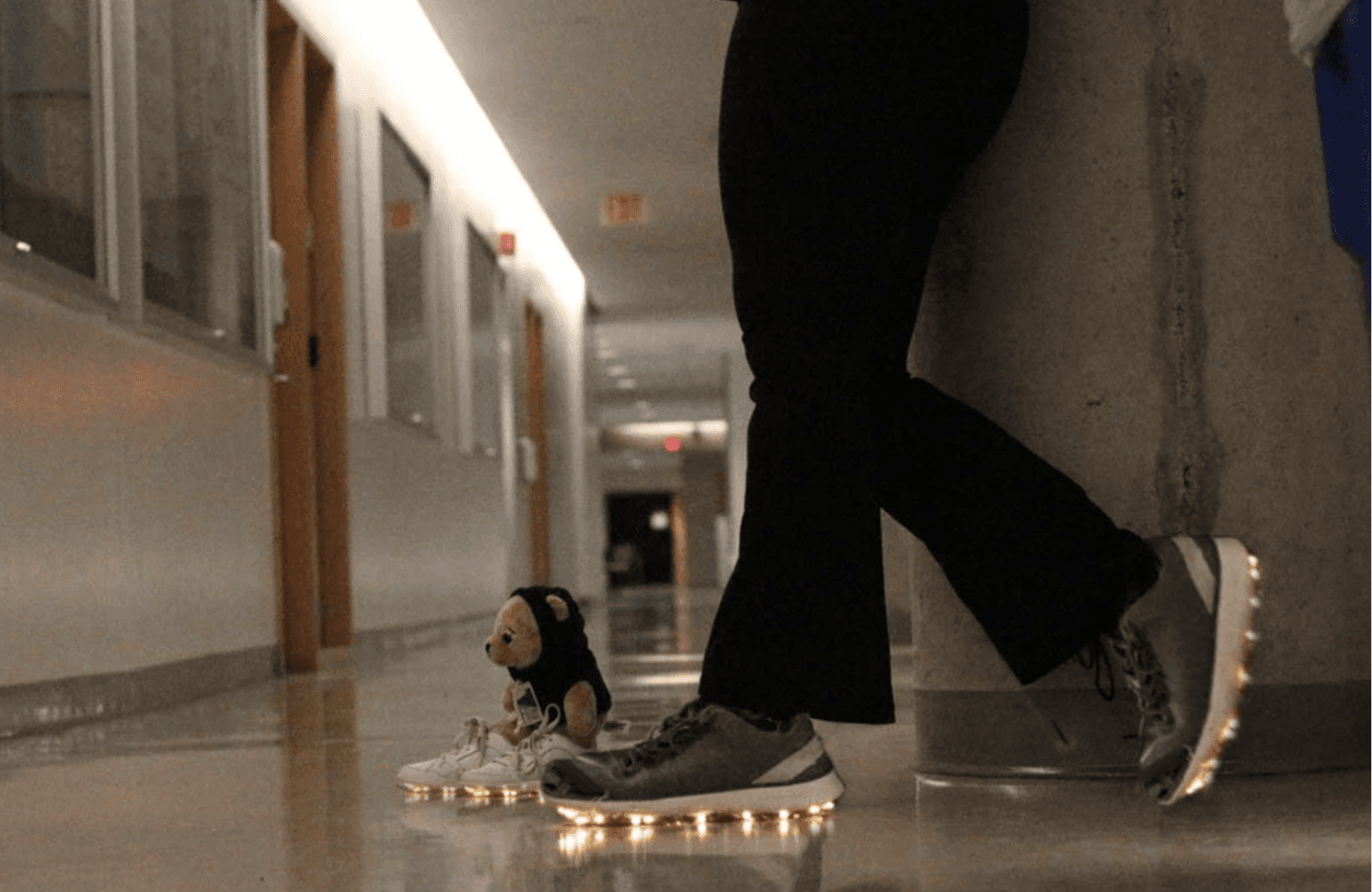
FitLift is an interactive shoe with haptic feedback that improves foot mobility, paired with two apps. The primary app motivates the user, while the secondary app tracks progress and alerts emergency contacts if needed.
Goals & Challenges
Create two apps. One for primary users and one for secondary users.
Design the prototype of a physical device that helps stroke survivors with improving their foot mobility.
Consider the different types of haptic feedback.
Process
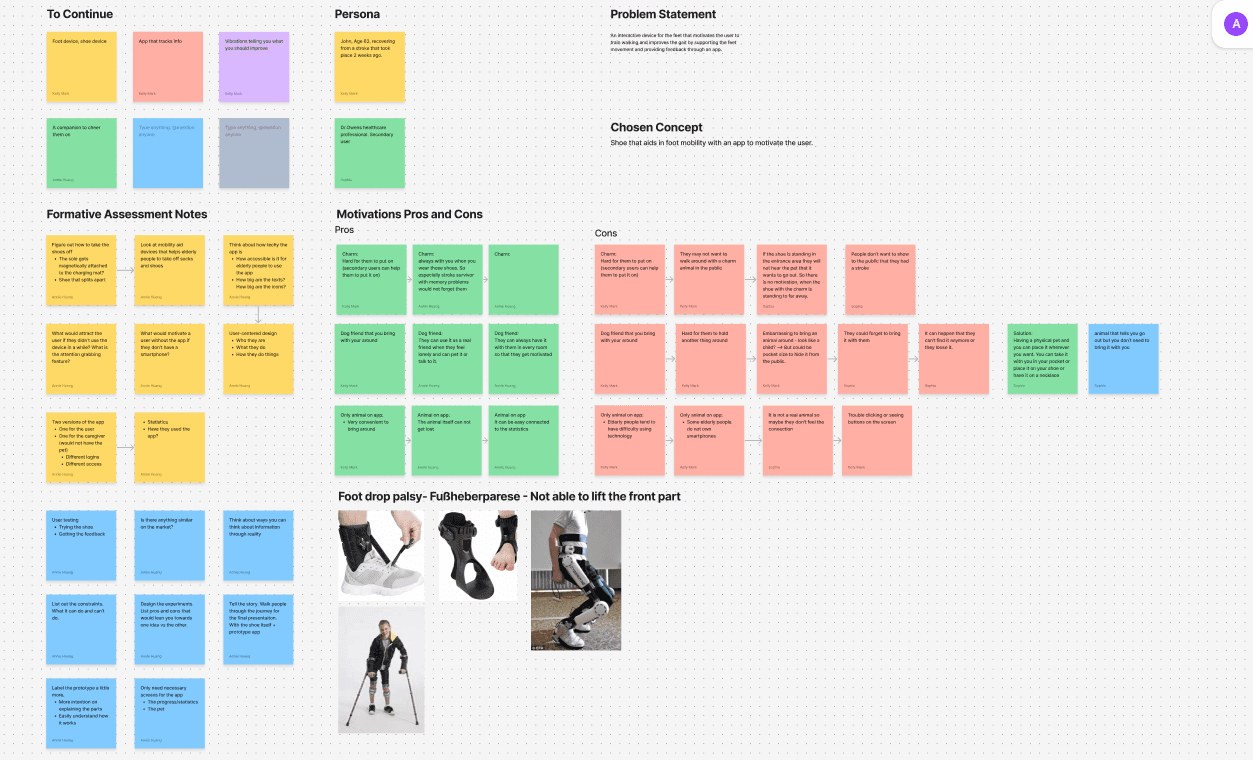
I was tasked with designing two apps that seamlessly connect the needs of primary and secondary users. I achieved this by conducting user research, usability studies, and utilized storyboarding methods to further understand what was anticipated from this experience. I have reached out to research participants who are current stroke survivors and participants with family members who have survived a stroke.
Feedback From Usability Study
People were confused on how to use the device. With better incorporation of metaphors and animations, we aimed to make the functions more obvious.
Not every elderly person owns a smartphone, so the shoe can now also be used without an app.
Participants expected walking steadiness like in other fitness apps.
Health care professionals should only be shown relevant data.
Elderly people have trouble bending down, so getting dressed should be made easier.
More statistics in the app.
Prototyping The Shoe
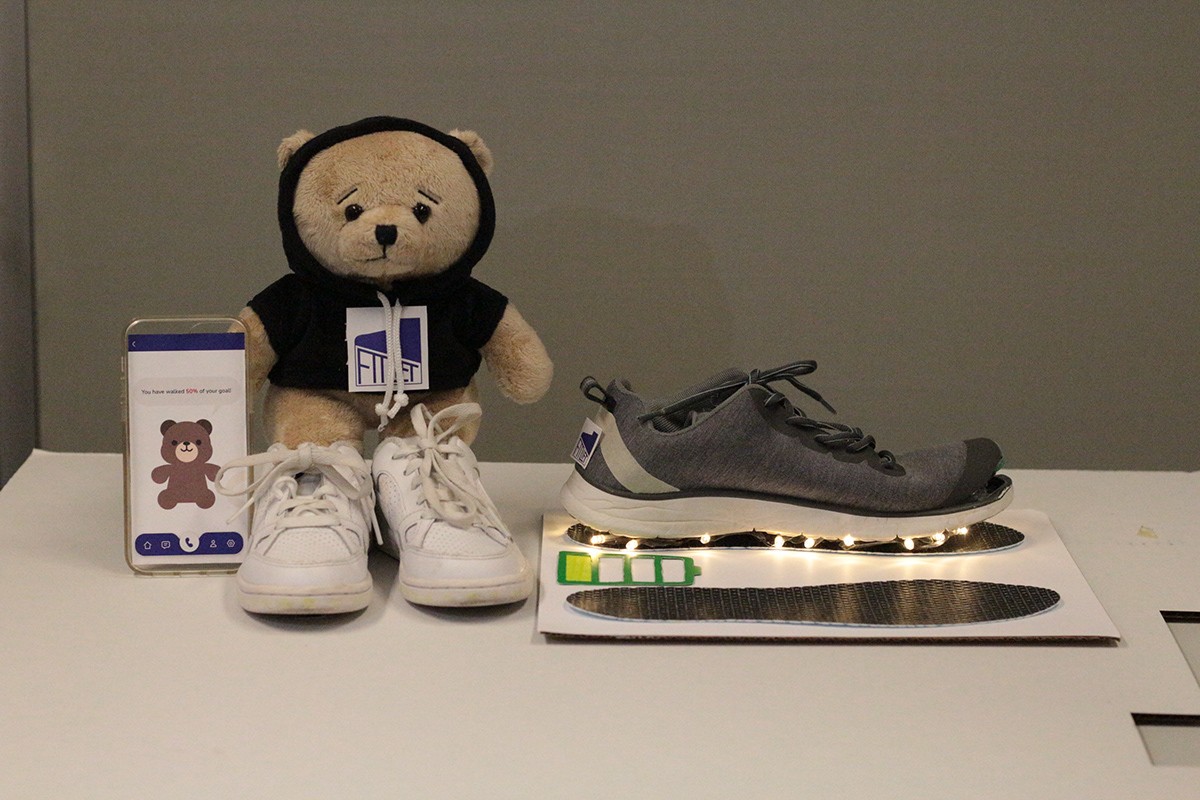
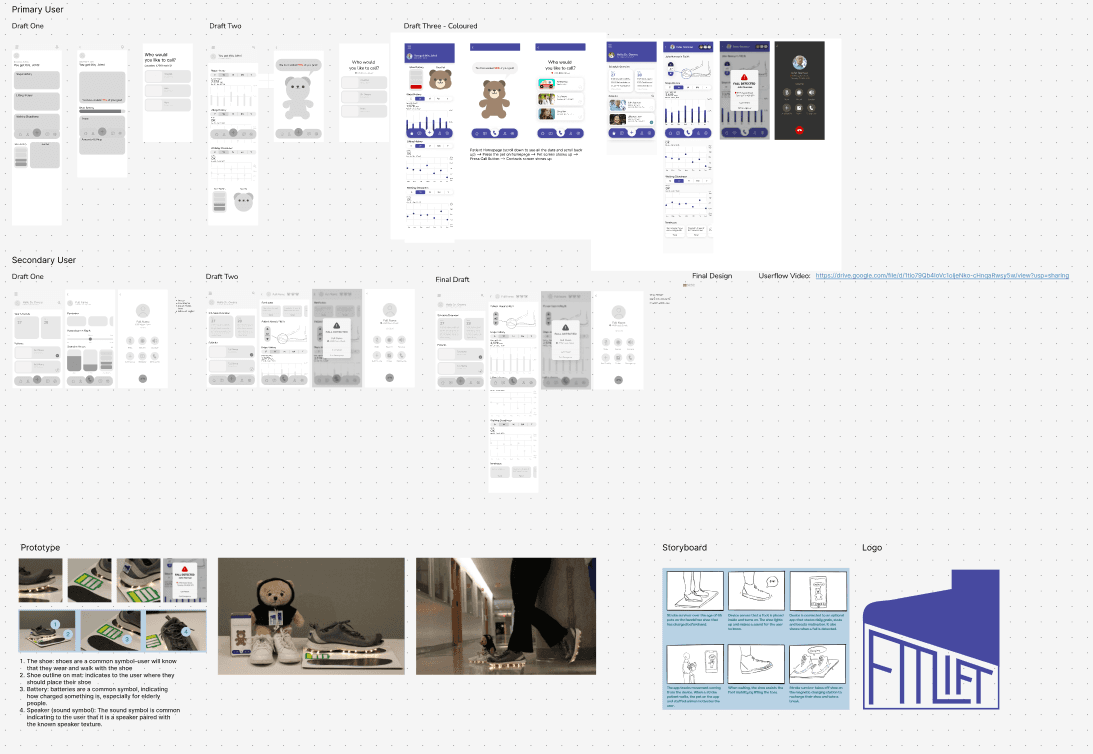
Prototyping the shoe allowed our team to visualize any concepts that we have in mind, test the functionality, and identify potential issues early on before launching the product. This is done through constant iterations, refining ideas through feedback, and ensuring the final product meets user needs and expectations. Prototyping the shoe also gave our team a better understanding of the necessary features needed for the apps.

Design: Motivating Primary Users
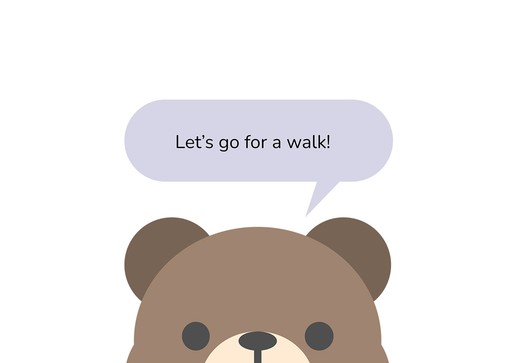
The bear companion is the main source of motivation for individuals who have survived a stroke. Users can use this companion for emotional support, which ultimately reduces stress levels, improves the user's mental health, and encourage physical activity. This gamified bear fosters positive connections, motivating stroke survivors to do the mundane tasks needed for mobility improvement.

Design: Progress Tracking & Alerts
Data visualizations and alerts are essential for secondary users to monitor recovery, prevent setbacks, and ensure timely interventions. These features help track vital metrics and physical progress. Additionally, alerts are used to notify caretakers of potential risks, which improves care coordination, safety, and the overall quality of life for stroke survivors.

Overcoming Barriers
Auditory feedback (sounds) for users with vision loss or colour blindness
Visual feedback (lights) for users with hearing loss or deafness
The shoe itself can be easily put on with the snapping device as well as a magnet to keep the shoe from slipping on the mat. This is great for users with limited muscle control or motor skills.
Cognitive feedback (metaphors) to indicate functions in a simple manner. This is great for users with dyslexia or other neurological disorders.
Outcome
Designing two distinct apps for primary and secondary users is essential for addressing their unique needs, behaviors, and objectives. Primary users are the main individuals interacting with the core functionalities, while secondary users have a more supportive or secondary role. By creating separate apps, each can be customized to provide a more focused and efficient experience. This reduces unnecessary complexity, making the app easier to use and more intuitive. It also enables the inclusion of specific features tailored to each user group, leading to improved satisfaction and engagement for both sets of users.
What I Learned
Communication Is Key
As a shy individual, I have found it challenging to ask for advice. Collaborating with this team has taught me the importance of communication, which better informed my design decisions, ensured alignment among our team members, and promoted efficient problem-solving. Asking for advice helped me define project goals and user needs, which reduced misunderstandings and ensured that everyone was on the same page. Effective communication not only allowed us to think of innovative solutions that better meet both the user's needs and project objectives, but it also enhanced our creativity by allowing multiple perspectives to be heard.
Next Steps
Originality
"The data visualizations look a lot like Apple's health app." is a common comment that our team got when presenting the project. Although our team valued familiarity, creating original data visualizations can help my team stand out in the field of UX design.
Up To Date Technology
The viewport size of the device that our team have used is outdated, making it difficult to find mockups that fit. In the future, the dimensions of our design can be larger because current devices have larger viewport sizes.